
How to Fix High Ping in Online Games: The Home Network Checklist
Lagging out of every match? Run this home-network checklist first — most high ping is fixable in your own house, no ISP call required.
Lagging out of every match? Run this home-network checklist first — most high ping is fixable in your own house, no ISP call required.

Most old PC games will run on Windows 11 — they just need a little help. Work through compatibility mode, the old DirectX 9 libraries, and wrappers like dgVoodoo2 in the right order, and nearly…

Moving your progress from PC to Steam Deck? We cover Steam Cloud, manual save transfers, and non-Steam games — so your saves arrive intact and stay in sync.

For most casual gamers, 240Hz isn’t worth it over 144Hz — the difference is subtle, the cost is real, and a better 144Hz setup usually wins.
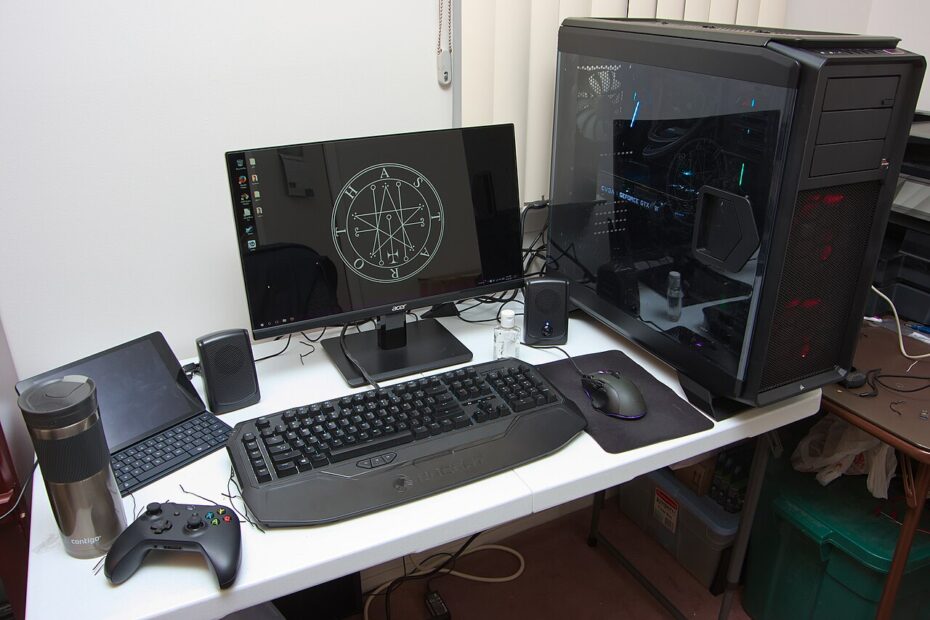
Most PC game stutter comes from the system around the game — shader caches, power plans, background apps — not your graphics settings. Here is how to fix it without touching a single slider.

I wore six popular gaming headsets for multi-hour PC gaming sessions to find which ones stay comfortable — and which start hurting after hour two.
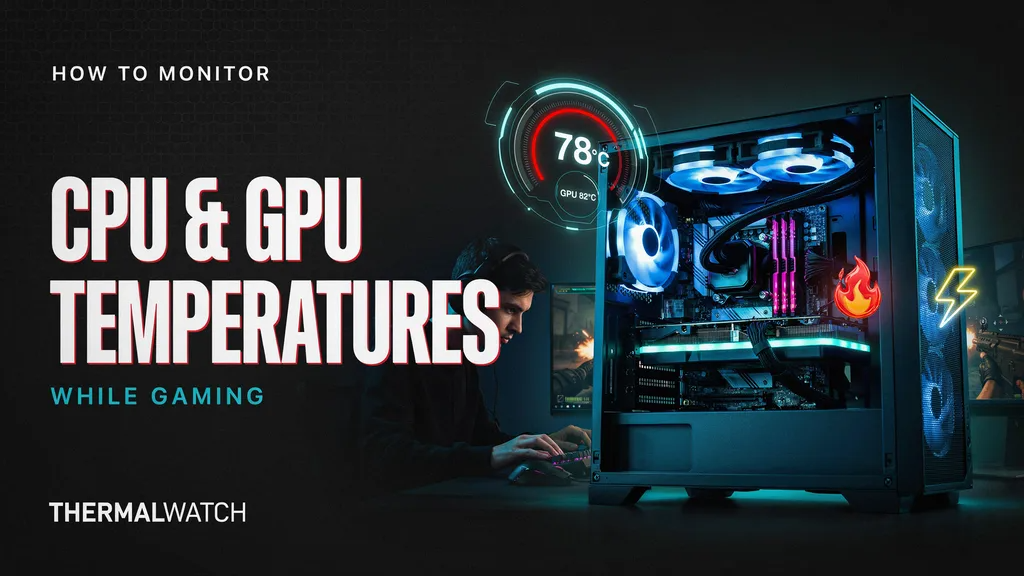
To monitor CPU and GPU temperatures while gaming, use MSI Afterburner with RivaTuner for a real-time in-game overlay, or HWiNFO for detailed sensor data. Safe gaming temps are generally below 80°C for CPUs and 65–80°C…
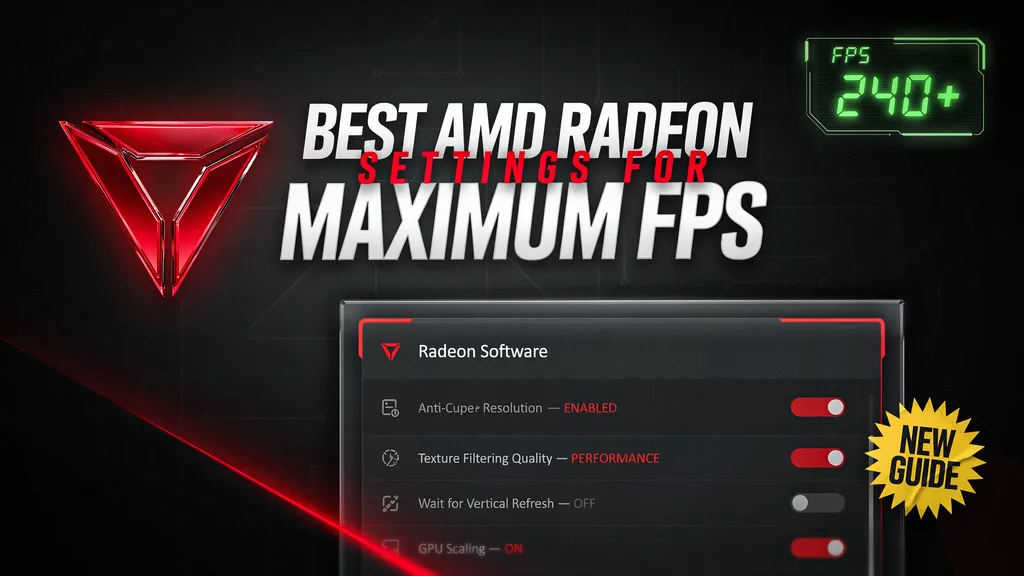
The best AMD Radeon settings for maximum FPS are Anti-Lag enabled, Radeon Boost on, Surface Format Optimization enabled, and Texture Filtering Quality set to Performance. Disable Radeon Chill and Frame Rate Target Control, enable FreeSync,…
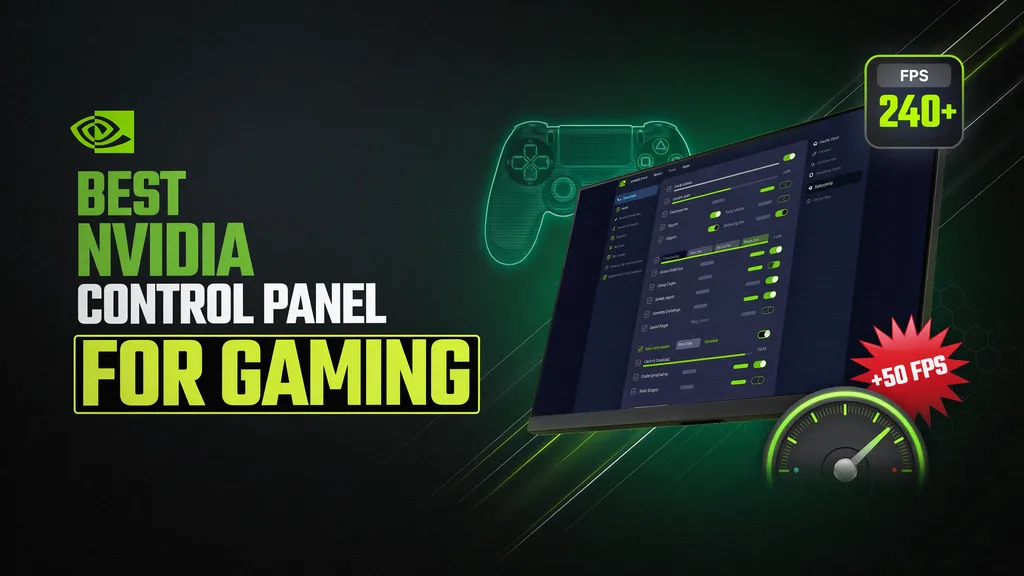
The best NVIDIA Control Panel settings for gaming are Low Latency Mode on Ultra, Power Management set to Prefer Maximum Performance, and Preferred Refresh Rate at Highest Available. Enable G-SYNC if supported, turn V-Sync off…
To fix stuttering and frame drops in games, update your GPU drivers, lower demanding settings like shadows and ray tracing, and close background apps. Check for overheating, install the game on an SSD, and make…