
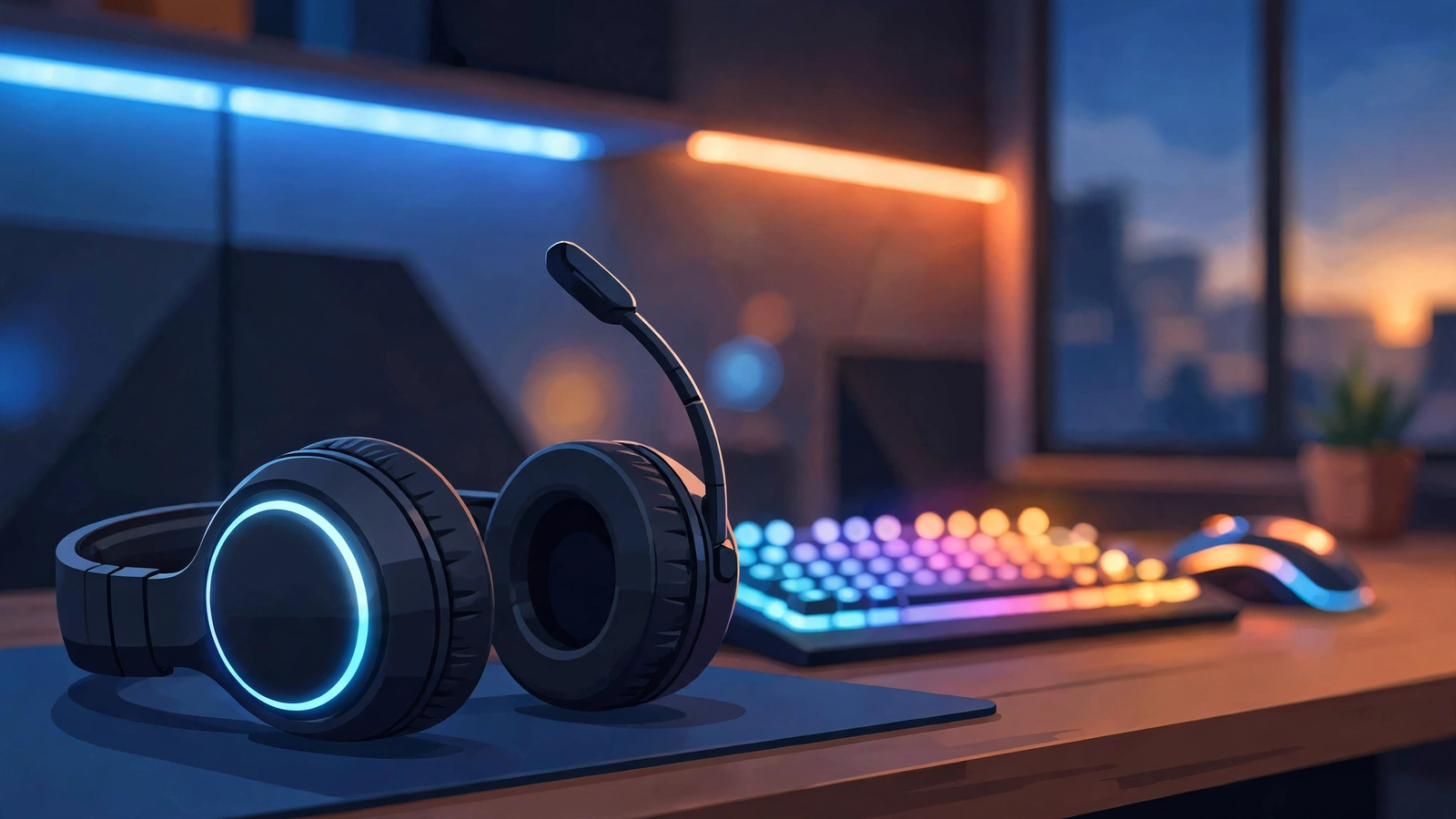
A gaming headset built for long PC sessions — comfort-tested so your ears survive the final boss.
The best gaming headsets for PC in 2026 balance clear positional audio, a microphone your teammates can actually hear, and comfort that survives four-hour sessions. The HyperX Cloud III and Logitech G Pro X 2 top my picks for all-rounders, while budget buyers should look at the SteelSeries Arctis Nova 3. I comfort-tested each of these myself — here’s what actually matters when you buy.
Why Does a Gaming Headset Feel Fine at First but Hurt After Two Hours?
Because showroom comfort lies. A headset that feels great for five minutes in a store can turn into a vise on your skull by hour three. The culprits are clamp force (how hard the earcups squeeze your head), weight distribution, and earcup heat.
During my testing, I kept a simple log: 30 minutes, 2 hours, 4 hours. Most headsets scored fine at 30 minutes. The real sorting happened at the 4-hour mark. Headsets over 350 grams with tight clamping gave me the classic “headset headache” — a dull ache at the temples. Models under 300 grams with breathable mesh or hybrid earcups were the ones I forgot I was wearing.
If you take one thing from this guide: weigh comfort heavier than the spec sheet. A headset with a slightly worse driver that you can wear for six hours beats a “better” one that hurts after two.
Wired or Wireless: Which Is Better for PC Gaming?
For most PC gamers in 2026, wireless has finally won — but with conditions. The latency gap between 2.4 GHz wireless and wired is now negligible (under 20 ms on good sets), so you’re not losing gunfights because of your connection anymore.
What wireless still costs you is battery anxiety and price. A good wireless headset costs $50–100 more than its wired equivalent, and you’ll be charging it weekly. If you game at a desk and rarely move, a wired headset is the smarter buy: zero charging, zero dropouts, lower price, often the same drivers.
My rule: go wireless if you get up mid-session, stream, or hate cable drag across your desk. Go wired if you want the best sound per dollar and your PC sits within arm’s reach.
What Makes Positional Audio Actually Work in Games?
Positional audio — hearing exactly where footsteps or gunfire come from — depends on three things working together: the game’s audio engine, your headset’s drivers, and software tuning like Dolby Atmos or Windows Sonic.
Here’s the uncomfortable truth: most “7.1 surround sound” marketing on gaming headsets is virtual processing, not physical speakers. Seven drivers per earcup died out years ago because two good drivers with proper software tuning sound better. What actually matters is a wide soundstage and clean stereo separation, which is why music headphones with a separate mic often outperform “gaming” headsets in blind tests.
For competitive shooters like Counter-Strike 2 or Valorant, turn on the game’s built-in HRTF or spatial audio option and keep Windows Sonic or Dolby Atmos enabled. For single-player games, a flat, natural tuning usually sounds richer than bass-boosted “gaming” profiles.
My Comfort Test: What I Actually Wore
I don’t believe in reviewing headsets from spec sheets, so I ran a simple test: six well-known headsets, each worn through full evening gaming sessions (3–5 hours) over two weeks, playing a mix of Helldivers 2, Valorant, and Baldur’s Gate 3.
The test criteria were comfort-first: weight, clamp force, earcup temperature, and glasses compatibility (I wear glasses, and so do millions of gamers — thin temple arms get crushed by bad clamping). I also scored microphone clarity by recording Discord calls and asking my squad which headset made me sound best.
The clear winners shared a pattern: 300 grams or less, moderate clamp force that eases over the first week, and earcups deep enough that the drivers never touch your ears. Shallow earcups were the single biggest comfort killer — your ears pressing against the driver foam ruins any session.
Which Gaming Headsets Are Worth Buying in 2026?
Best all-rounder: HyperX Cloud III. Under 300 grams, comfortable out of the box, clear mic, and a price that doesn’t sting. The earcups are deep, the clamp force is firm but fair, and it survived my 4-hour test with no complaints. This is the headset I recommend to friends who just want something good.
Best for competitive play: Logitech G Pro X 2. Lighter than most competitors, excellent positional audio with the right tuning, and a mic that makes you sound broadcast-clear on Discord. The detachable cable setup is flexible. It costs more, but tournament players don’t wear uncomfortable gear — that tells you something.
Best budget pick: SteelSeries Arctis Nova 3. The cheapest headset here that still passed the 4-hour test. Lighter clamp, breathable cushions, and surprisingly decent audio. The mic is merely okay, but at this price, the comfort alone earns it a spot.
Best wireless upgrade: Corsair HS80 Max. If you’re set on wireless, this one combines a broadcast-quality mic, low-latency 2.4 GHz, and comfort that held up in testing. Battery life is honest (60+ hours claimed, ~45 in real use), and the Sonarworks tuning actually improves the sound rather than muddying it.
Best for glasses wearers: anything with low clamp force and soft, wide earcups. From my test, the Arctis Nova 3 and Cloud III were kindest to glasses. Avoid headsets with narrow, stiff earcups — they’ll press your temple arms into your skull within an hour.
What Should You Check Before You Buy?
Run through this quick list before clicking buy:
- Weight: aim under 320 grams, ideally under 300. Your neck will thank you.
- Earcup depth: your ears should not touch the driver foam. Deep cups win.
- Clamp force: firm is fine if it loosens; crushing is not. Check reviews from glasses wearers.
- Mic quality: test reports matter more than marketing. Look for recordings, not spec claims.
- Cable/connectivity: 3.5 mm works everywhere; USB adds processing; 2.4 GHz wireless adds freedom.
- Return policy: comfort is personal. Buy where you can return it after a real session.
FAQ
Are expensive gaming headsets worth it?
Up to about $150–200, yes — you get real gains in comfort, build quality, and microphone clarity. Beyond that, you’re paying for brand, RGB, or marginal audio differences most gamers won’t notice. The sweet spot for value sits squarely in the mid-range.
Can I use regular headphones for gaming instead?
Absolutely. Good studio or music headphones often beat gaming headsets on pure audio quality. Add a $20 clip-on or USB microphone and you have a setup that rivals headsets twice the price. The trade-off is convenience — no single-cable mute button or game/chat mix dial.
How long do gaming headsets last?
Three to five years is typical. Earcup cushions wear out first — many brands sell replacements, which is a cheap way to extend a headset’s life. Headbands and hinges are the next failure point; metal-reinforced frames last noticeably longer than all-plastic builds.
Do I need 7.1 surround sound for gaming?
No. Modern games do their own spatial audio processing, and two good drivers with software like Dolby Atmos or Windows Sonic deliver better positioning than old multi-driver “surround” headsets. Ignore the 7.1 badge; look at driver quality and tuning instead.
Complete the setup around your headset: type on one of the best mechanical keyboards for gaming, aim with one of the best gaming monitors for competitive players, and squeeze out more performance with our guide to optimizing your gaming PC for competitive gaming.