
Best Open-World Games for PC Gamers
The best open-world games for PC are Elden Ring, Red Dead Redemption 2, Cyberpunk 2077, The Witcher 3: Wild Hunt, Grand Theft Auto V and No Man’s Sky. This guide ranks 15 huge open worlds…
The best open-world games for PC are Elden Ring, Red Dead Redemption 2, Cyberpunk 2077, The Witcher 3: Wild Hunt, Grand Theft Auto V and No Man’s Sky. This guide ranks 15 huge open worlds…

The most anticipated PC games coming in 2026 are Fable, Gears of War: E-Day, Pragmata, Code Vein 2, The Blood of Dawnwalker and the Resident Evil: Code Veronica Remake. This list covers 15 upcoming PC…

The best free Steam games in 2026 are Counter-Strike 2, Dota 2, Apex Legends, Warframe, Path of Exile, Destiny 2 and Marvel Rivals. All 20 games on this list are completely free to download and…

The best Steam games to play right now are Counter-Strike 2, Elden Ring, Baldur’s Gate 3, Cyberpunk 2077, Red Dead Redemption 2, The Witcher 3: Wild Hunt and Helldivers 2. This ranked list of 25…
To monitor CPU and GPU temperatures while gaming, use MSI Afterburner with RivaTuner for a real-time in-game overlay, or HWiNFO for detailed sensor data. Safe gaming temps are generally below 80°C for CPUs and 65–80°C…
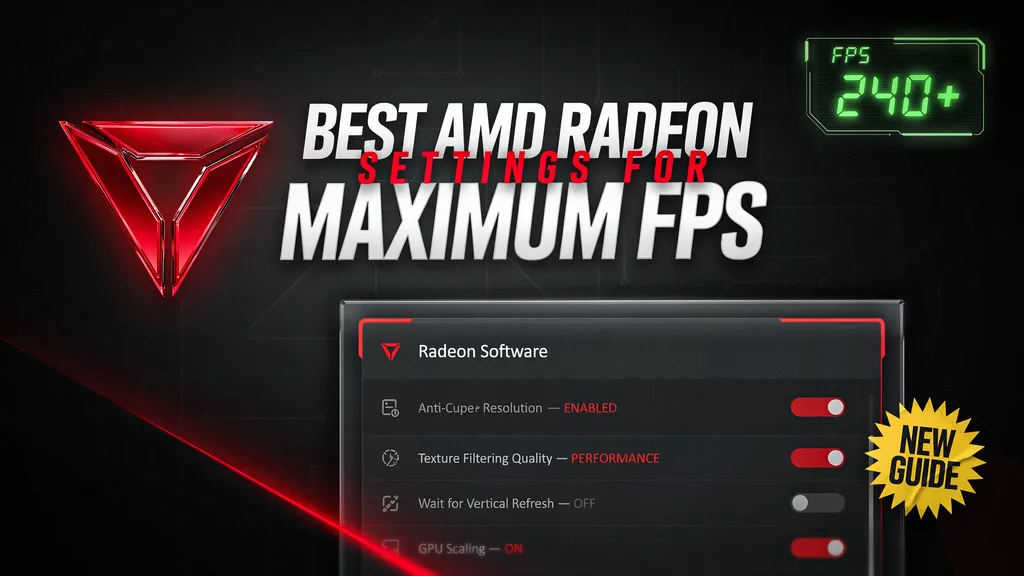
The best AMD Radeon settings for maximum FPS are Anti-Lag enabled, Radeon Boost on, Surface Format Optimization enabled, and Texture Filtering Quality set to Performance. Disable Radeon Chill and Frame Rate Target Control, enable FreeSync,…
The best NVIDIA Control Panel settings for gaming are Low Latency Mode on Ultra, Power Management set to Prefer Maximum Performance, and Preferred Refresh Rate at Highest Available. Enable G-SYNC if supported, turn V-Sync off…
To fix stuttering and frame drops in games, update your GPU drivers, lower demanding settings like shadows and ray tracing, and close background apps. Check for overheating, install the game on an SSD, and make…
To optimize your gaming PC for competitive gaming, prioritize FPS over visuals: use 1080p, low shadows, disabled V-Sync, and enable NVIDIA Reflex or AMD Anti-Lag. Pair it with a 144Hz+ monitor, 1000Hz mouse polling, Game…
The best Windows 11 settings for gaming performance include enabling Game Mode, Hardware-Accelerated GPU Scheduling, and the High Performance power plan. Turn on Variable Refresh Rate, disable unnecessary startup apps and background permissions, and keep…