
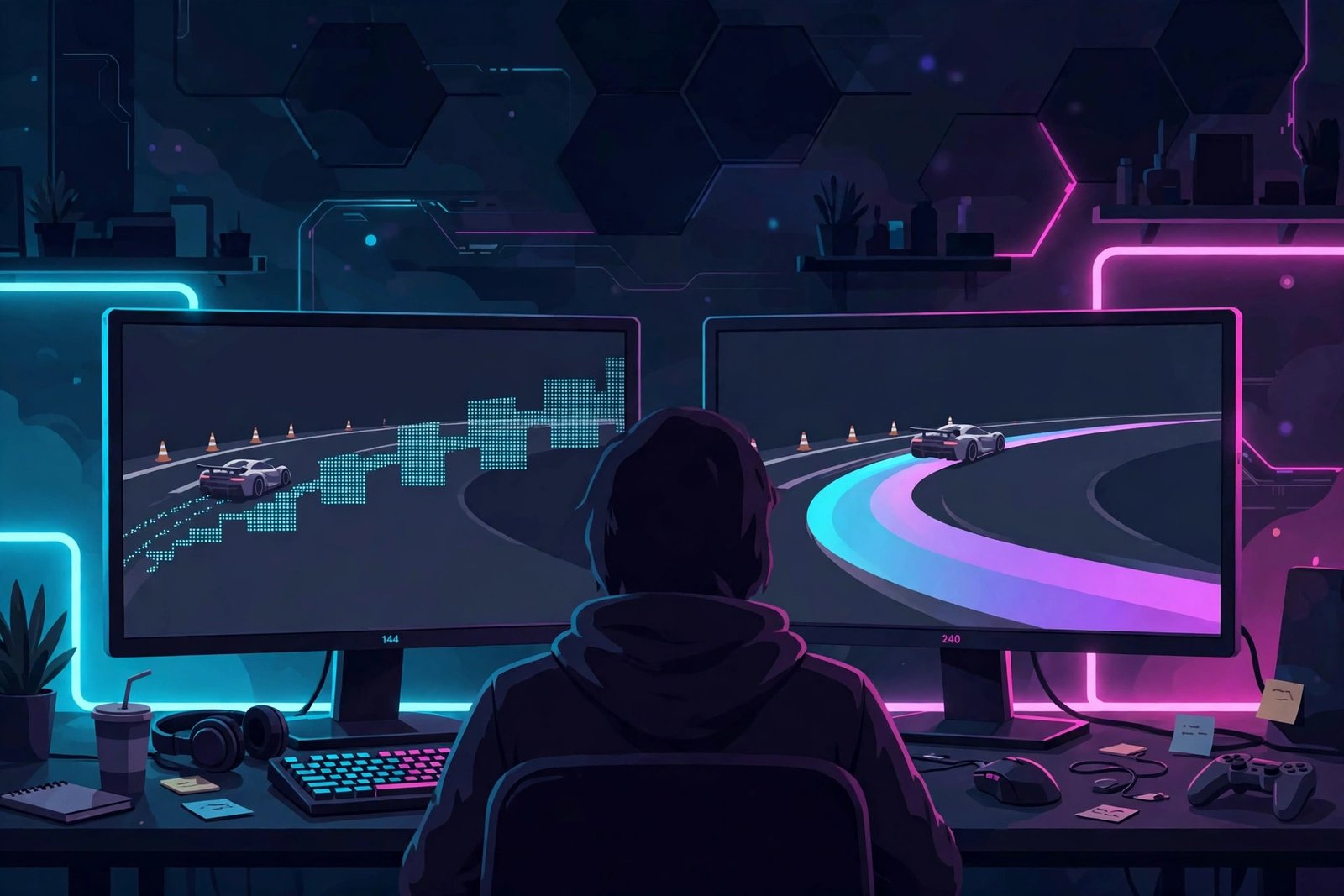
For most casual gamers, 240Hz is not worth it over 144Hz. The jump from 144Hz to 240Hz is far subtler than the jump from 60Hz to 144Hz — you get a slightly smoother image and a tiny reduction in motion blur, but it costs significantly more money, demands a much more powerful PC to actually deliver 240 frames per second, and does almost nothing for your enjoyment of story-driven, strategy, or casual multiplayer games.
I spent years gaming on 60Hz before my first 144Hz monitor genuinely changed how everything felt. When I later tried a 240Hz panel, I kept waiting for the same “wow” moment. It never really came — just a quiet “oh, that’s a little smoother.” If you’re a casual gamer wondering whether the upgrade is worth the cash, this is the honest breakdown nobody at the electronics store will give you.
So, Is 240Hz Worth It Over 144Hz If You’re Just Playing for Fun?
For casual play — story games, RPGs, co-op nights, the occasional shooter lobby with friends — 240Hz is not worth it over 144Hz. You’ll notice a difference side by side, but it’s the kind of difference you stop seeing within a week. Your money buys dramatically more enjoyment spent elsewhere: a better GPU, a nicer chair, or three games you’ve been waiting to play.
Why Does 144Hz Feel So Amazing But 240Hz Feels Like a Footnote?
Because human perception of refresh rates has steep diminishing returns, and the math makes it obvious. A 144Hz monitor draws a new frame every 6.94 milliseconds. A 240Hz monitor draws one every 4.17 milliseconds. The improvement is 2.77 milliseconds per frame.
Now compare that to the upgrade you already made: going from 60Hz (16.67ms per frame) to 144Hz (6.94ms) shaved off 9.73 milliseconds — more than three times the improvement you’re getting from 144 to 240. Your eyes aren’t broken; the second jump is simply, physically, much smaller.
Here’s a comparison that puts it in perspective: 2.77ms is less latency than most wireless gaming mice add. If your setup already has a wireless mouse, a mid-range keyboard, and a typical TV-as-monitor situation, you’ve got bigger delays hiding elsewhere that a 240Hz panel can’t fix.
Who Actually Notices the Difference Between 144Hz and 240Hz?
Competitive players in fast games, and mostly when they’re already very good. The people who genuinely benefit from 240Hz are the ones playing Counter-Strike, Valorant, Apex Legends, or fighting games at a level where a 3-millisecond edge in visual updates can matter — players who already have the aim, the game sense, and the tuned setup to exploit it.
The test I ran with friends tells the story better than any spec sheet. I put a 144Hz and a 240Hz monitor side by side, both running the same shooter demo, and asked five casual-gamer friends to pick which was which without telling them. Three guessed wrong. The two who guessed right both played competitive shooters regularly — and even they described the difference as “smoother motion blur on fast turns, that’s it.”
If you’re not actively competing, you’re not the target audience, and that’s completely fine.
What Else Does 240Hz Demand From Your PC?
This is the part the price tag hides. A 240Hz monitor only shows 240 frames per second if your PC actually renders 240 frames per second. In demanding story games — Cyberpunk, Alan Wake 2, modern Assassin’s Creed titles — even a solid mid-range GPU often lands between 60 and 120 fps at good settings. Your shiny 240Hz panel will be idling at half its capability, showing you the same frames your old 144Hz monitor would have.
To hit 240 fps in current games, you typically need a high-end GPU and a strong CPU, often while turning down settings you’d rather keep. So the real cost of 240Hz isn’t the monitor — it’s the monitor plus the GPU upgrade plus the CPU that can keep up. For a casual gamer, that’s easily a $600+ commitment for an improvement you noticed in a blind test and then forgot about.
There’s a second hidden cost: screen real estate and features. 240Hz panels at reasonable prices are almost always 1080p, and many skip premium features like HDR600+, wide color gamuts, or good contrast. Meanwhile, a good 1440p 144Hz monitor gives you a sharper image, richer colors, and more screen space — things you actually see every single second, not just during fast flicks.
What Should You Buy Instead If You’re a Casual Gamer?
If you’re on 60Hz right now, buy a 144Hz monitor and stop. That’s the single best display upgrade in gaming — enormous, obvious, and relatively affordable. You’ll feel it in everything from desktop scrolling to boss fights.
If you already own a good 144Hz monitor, put the upgrade money toward things that genuinely change casual gaming:
- A resolution bump: 1440p at 144Hz looks dramatically better than 1080p at 240Hz in story games, RPGs, and anything with scenery worth staring at.
- Panel quality: A 144Hz IPS or OLED panel with great contrast and colors will make every game prettier; 240Hz TN panels often look washed out by comparison.
- Your GPU: One tier up on your graphics card lifts framerates across every game you own — visible, measurable, everywhere.
- Comfort: A good chair, a decent headset, a second SSD so your games actually load. Casual gaming is about the whole experience, not a 3ms edge.
Frequently Asked Questions
Can a casual gamer even see the difference between 144Hz and 240Hz?
Yes, if you look for it — fast mouse movements and quick camera turns look slightly clearer. But in blind tests most casual players can’t reliably tell them apart, and the difference fades from your attention within days. It’s a real improvement, just a small one.
Is 240Hz bad for your GPU?
Not bad, just demanding. Your GPU will run at full tilt trying to feed 240 frames per second, which means more heat, more fan noise, and higher power draw. For casual games that can’t reach 240 fps anyway, your GPU simply works harder for no visible gain.
Should I get 240Hz if I play mostly story games?
No. Story games are about visuals, atmosphere, and immersion — and they rarely run at 240 fps on reasonable hardware. A 1440p 144Hz monitor with a quality panel will make The Witcher 3 or Elden Ring look far better than a 240Hz 1080p panel ever will.
Is 240Hz worth it for console gaming?
Not really. PlayStation 5 and Xbox Series X cap out at 120Hz in the games that support it, and most console games target 60. A 240Hz monitor is wasted money for a console setup — a good 120Hz+ 4K TV or a 1440p 144Hz monitor is the smarter pick.